SQLite for Scientists Everyone
Dr John A Stevenson / @volcan01010@fosstodon.org

Follow along on GitHub

Databases and SQLite
Databases store data

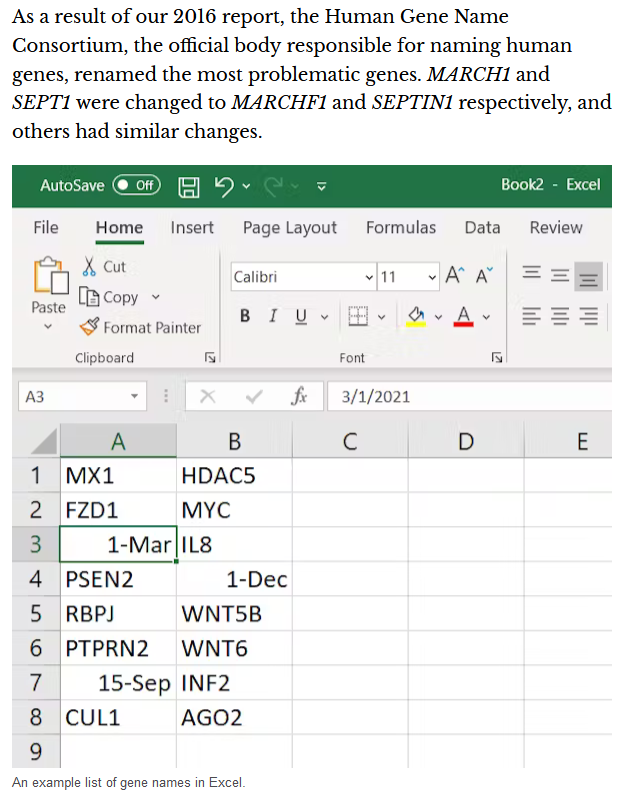
Excel is not a database

Excel is not a database
The most popular database in the world is

Comparison with PostgreSQL
|
 |
|
|---|---|---|
| SQL language | Yes | Yes |
| Storage | Local | Network |
| Concurrent edits | No | Yes |
| JSON parsing | Yes | Yes |
| Enforced types | No | Yes |
DB Browser for SQLite
Introduction to SQL
SELECT extracts data
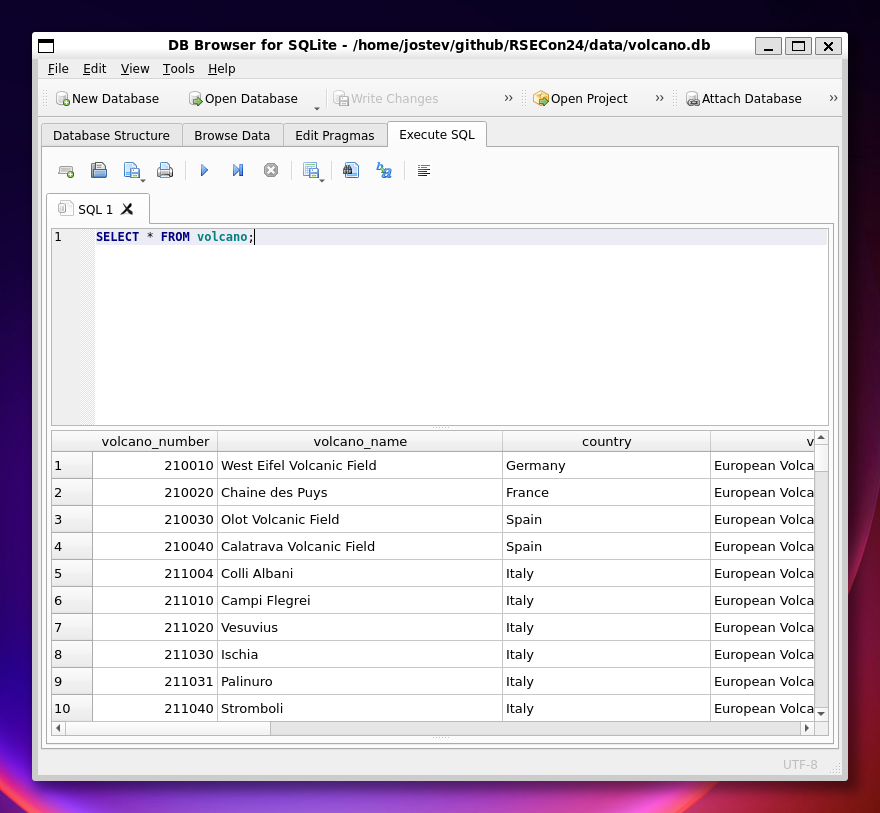
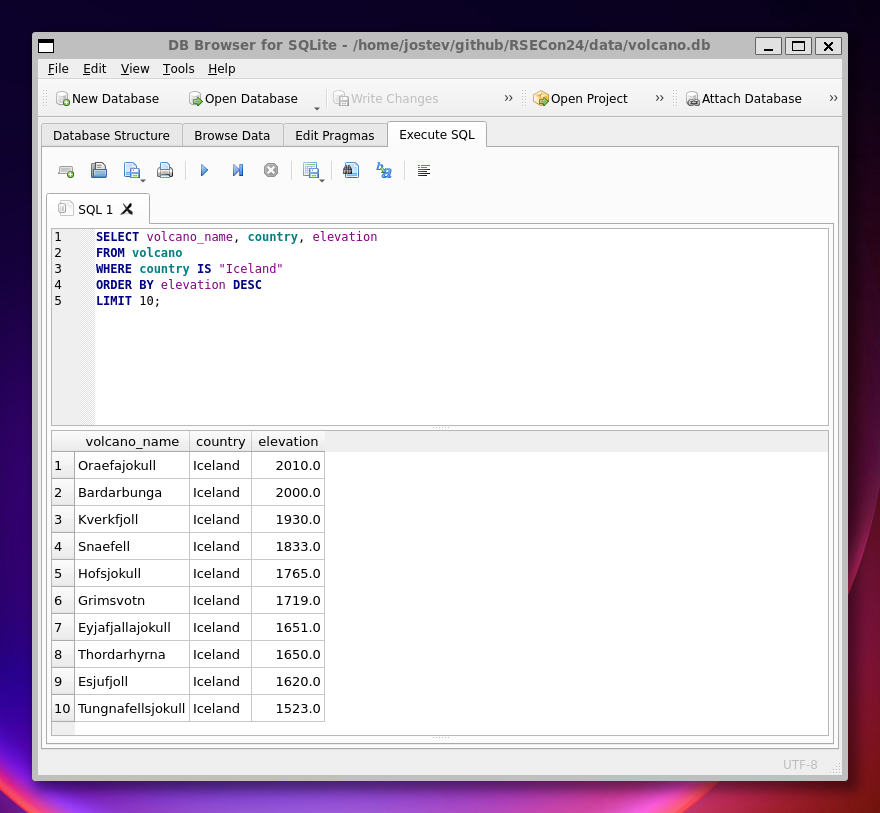
Filters and sorting
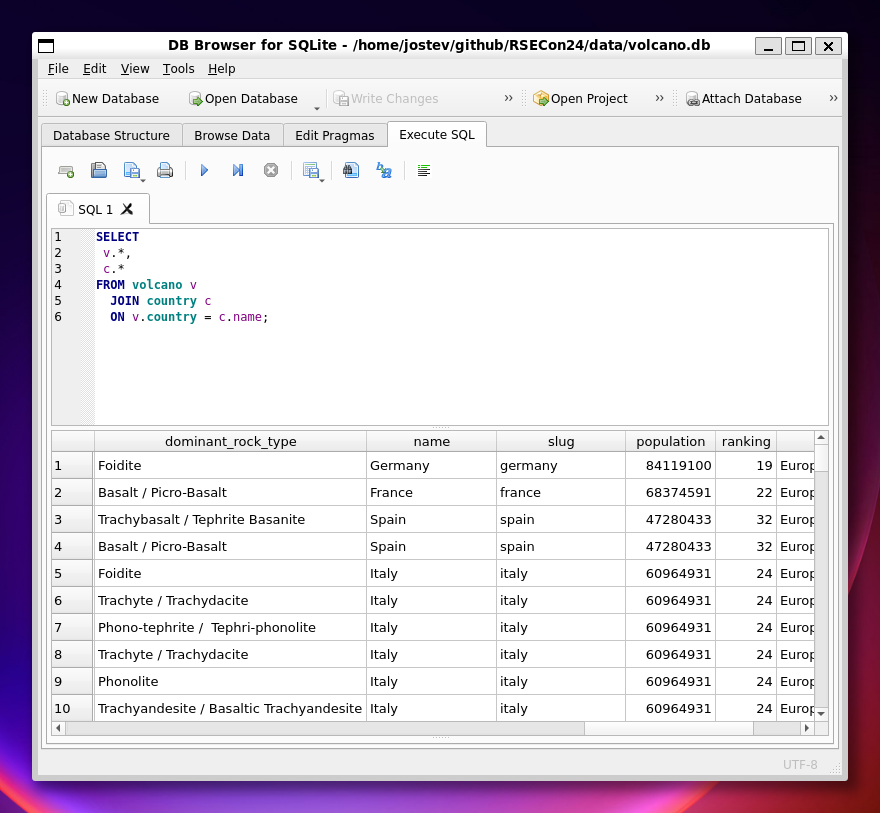
JOIN combines tables
GROUP BY aggregates values
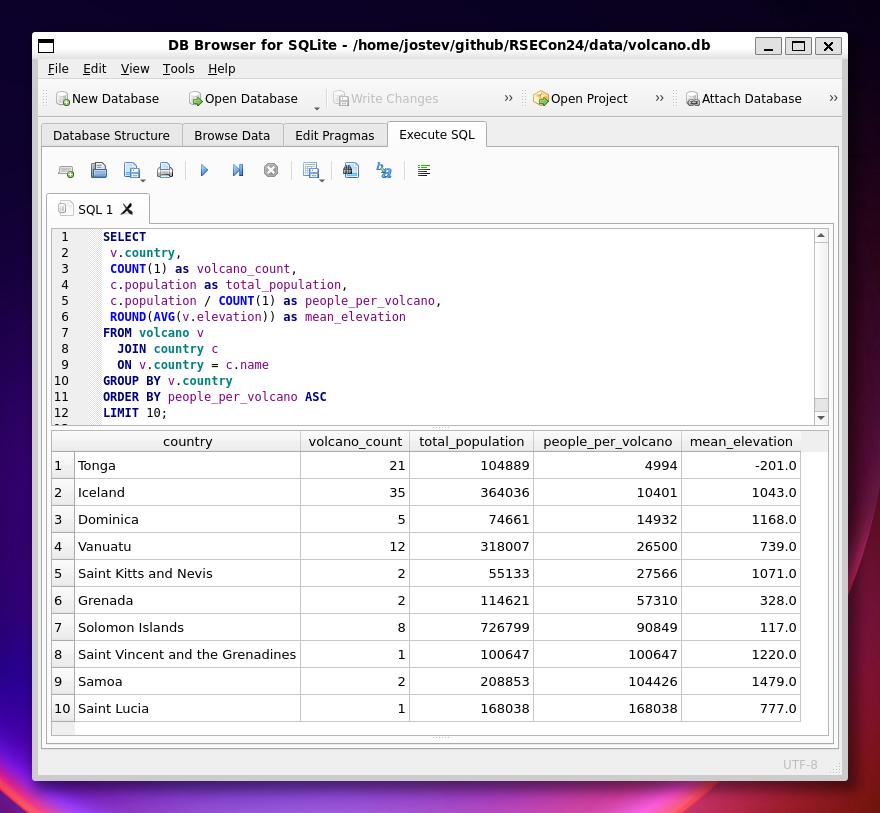
Useful tools

...has nice forms...
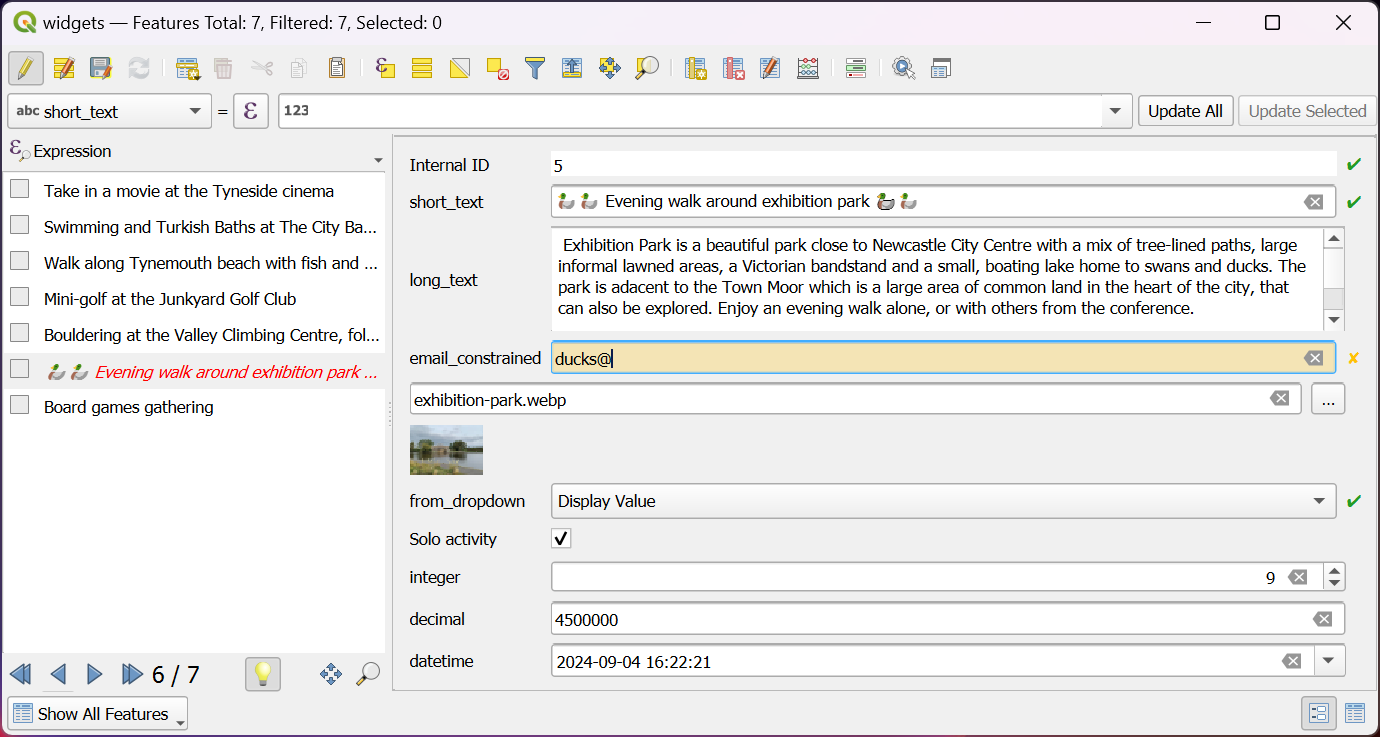
...and understands relationships...
CREATE TABLE "H3H4_in_soil" (
	"fid" INTEGER PRIMARY KEY AUTOINCREMENT,
	"geometry" POINT,
	"locality" TEXT UNIQUE NOT NULL,
	"thickness" REAL,
	"notes" TEXT
);

CREATE TABLE "photos" (
	"fid" INTEGER PRIMARY KEY AUTOINCREMENT,
	"locality_id" TEXT,
	"file_path" TEXT,
	"notebook" BOOLEAN,
	"notes" TEXT,
	FOREIGN KEY("locality_id") REFERENCES "H3H4_in_soil"("locality")
);
...to give an efficient interface
Datasette publishes data to the web...
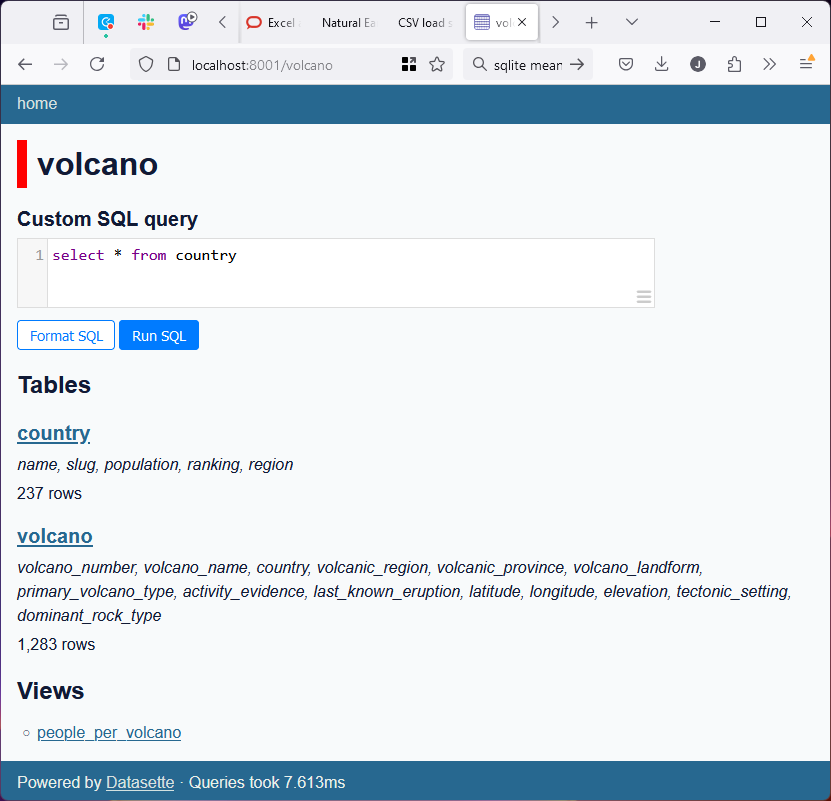
...with sorting, filters and queries...
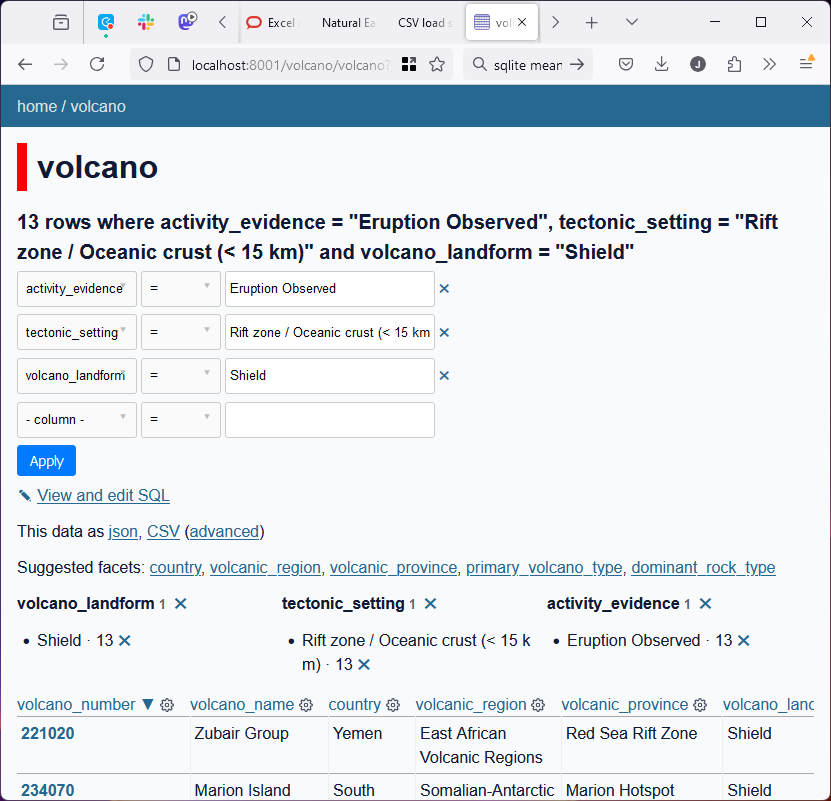
...and an API for JSON and CSV
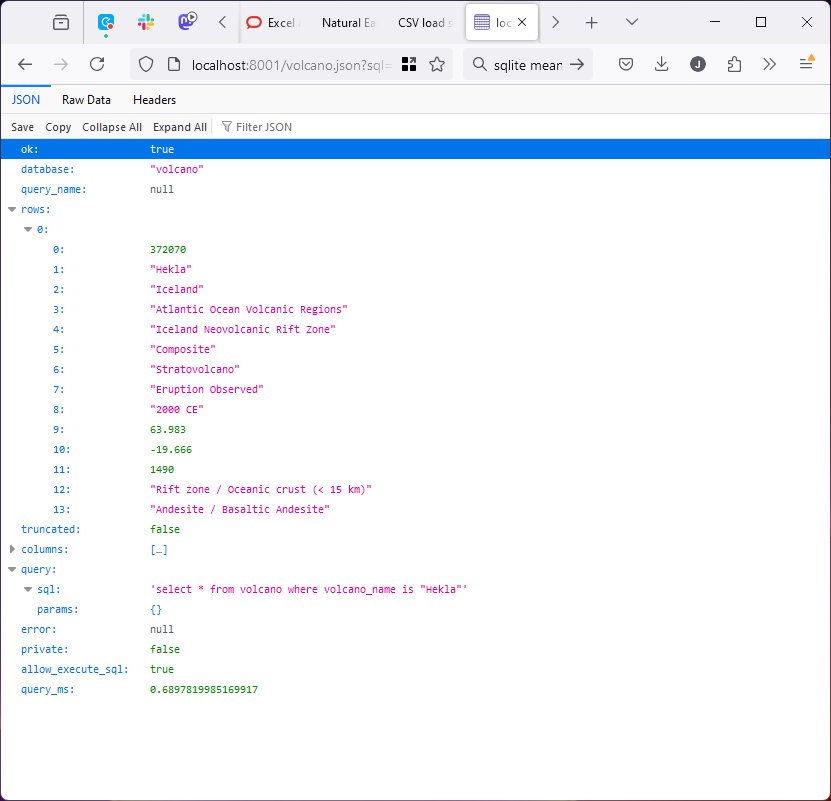
ETL Helper simplifies data access...

ETL Helper simplifies data access...
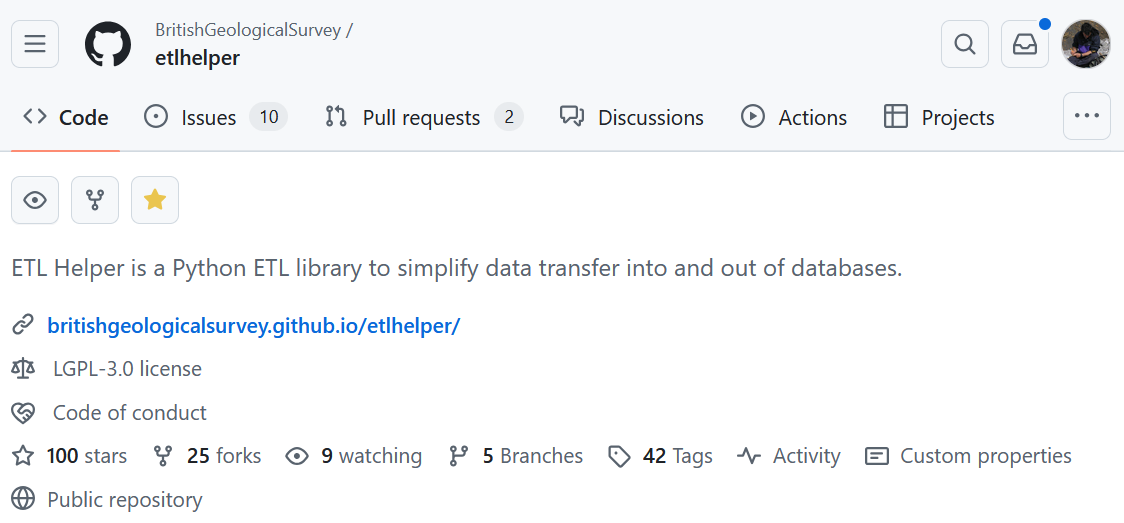
...and provides easy data pipelines
...

CREATE_COUNTRY_SQL = """
    CREATE TABLE country (
        name TEXT,
        slug TEXT PRIMARY KEY,
        population INTEGER,
        ranking INTEGER,
        region TEXT
    );"""


def create_volcano_db():
    with sqlite3.connect(DB_FILE) as conn:
        etl.execute(CREATE_VOLCANO_SQL, conn)
        etl.execute(CREATE_COUNTRY_SQL, conn)
        etl.execute(CREATE_VIEW_SQL, conn)

        with open(VOLCANO_CSV, "rt") as f:
            next(f)  # Skip header
            next(f)  # Skip header
            reader = csv.DictReader(f)
            etl.load('volcano', conn, reader, transform=_transform_volcano)

        with open(COUNTRIES_CSV, "rt") as f:
            next(f)  # Skip header
            reader = csv.DictReader(f)
            etl.load('country', conn, reader, transform=_transform_country)


def _transform_country(chunk):
    """
    Drop empty date_of_information column, rename population and cast to int.
    """
    for row in chunk:
        row['population'] = int(row.pop('value').replace(',', ''))
        row.pop("date_of_information")
        yield row

...